How to Use Coupon Codes and Never Miss a Discount Again
This review is researched from each provider's official pricing, plans and public user feedback — see our editorial process for how we keep it accurate.
What a "coupon code" actually is
A coupon code (also called a promo code, discount code or voucher code) is a short string of letters and numbers that a retailer's checkout system recognizes and turns into a price cut — a percentage off, a flat dollar amount off, free shipping, or an extra perk like a bonus month on a subscription. Stores generate these codes for marketing partners, affiliate sites, email subscribers and seasonal sales, which is why the exact same product can be cheaper for one shopper than another simply because one of them used a valid code and the other didn't.
Where TheSmartFares' codes come from
Every code listed on TheSmartFares is sourced directly from a store's official affiliate or partner program, then checked against the store's live checkout before it's published. We don't scrape codes from random forums or expired deal-aggregator pages, which is the single biggest reason codes stop working elsewhere. Each store page also shows a success rate, calculated from how often that specific code has worked for other shoppers recently, so you can tell at a glance which offer is worth trying first.
Step-by-step: finding and applying a code
1. Search the store. Use the search bar or browse by category to find the store you're shopping at.
2. Compare the offers. Store pages list every live code together with its discount, success rate and expiry date — pick the one with the best combination of size and reliability.
3. Reveal the code. Click "Get Code." TheSmartFares hides the actual code in the page source until you click, which keeps codes from being scraped and expiring faster — clicking reveals it, copies it to your clipboard automatically, and opens the store in a new tab.
4. Find the checkout field. Look for a box labeled "Promo code," "Coupon code," "Discount code" or sometimes just "Got a code?" — it's almost always on the cart or payment page, not the product page.
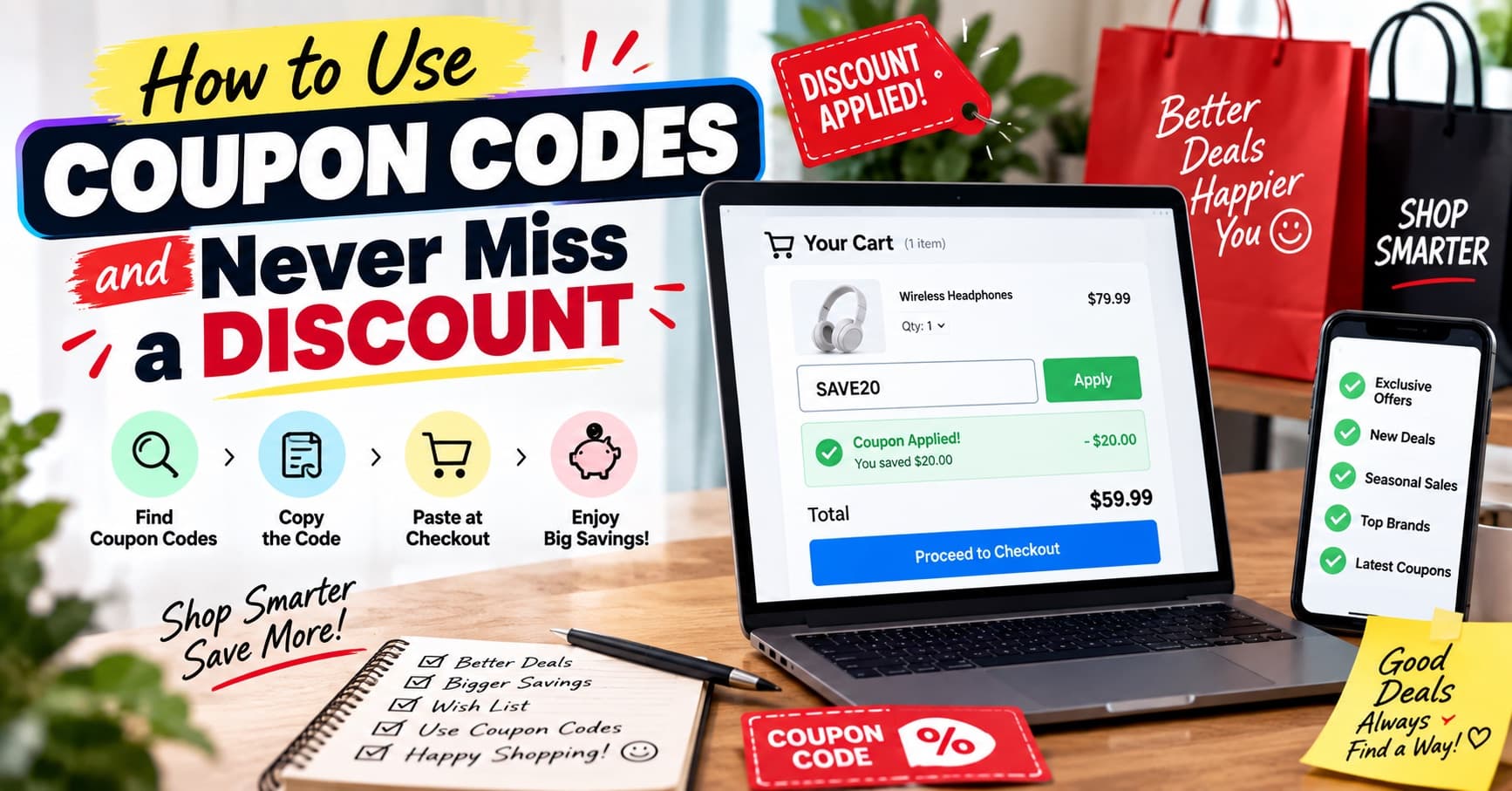
5. Paste and apply. Paste the code exactly as copied (no extra spaces), click Apply, and confirm the total drops before you enter payment details.
Why a code sometimes doesn't work
| Reason | What to check |
|---|---|
| Code expired | Check the expiry date shown on the store page — codes are re-verified daily but do eventually run out |
| Minimum order not met | Many codes require a minimum cart value before they apply |
| Excluded items in cart | Sale items, gift cards and some bundles are commonly excluded from promo codes |
| One-time-use only | Some codes are single-use per account and won't reapply on a second order |
| Wrong region or currency | A handful of codes are region-locked to a specific country's store |
| Extra spaces when pasting | Retype the code manually if a trailing space snuck in during copy-paste |
Tips to save even more
- Try more than one code, keep the best. Most checkouts only let you apply one code per order, so if a store has two live offers, test the larger one first.
- Stack with a site-wide sale where the terms allow it. Some codes explicitly say they combine with existing sales — check the terms shown on the store page.
- Watch the expiry date, not just the discount size. A 20% code expiring today beats a 30% code expiring next month if you're buying now.
- Create an account before checkout. Several stores unlock an extra new-customer code the moment you sign up.
- Bookmark the store page, not the code. Codes rotate; the store page always shows whatever is currently live and verified.
Percentage-off vs. flat-amount vs. free-shipping codes
Not all codes are structured the same way, and understanding the type in front of you changes how you should decide whether to use it.
| Code type | How it works | Best used when |
|---|---|---|
| Percentage-off (e.g. 20%) | Discount scales with order size | Larger carts, since the savings grow with what you spend |
| Flat-amount off (e.g. $10 off) | Fixed dollar discount regardless of cart size | Smaller orders, since a flat discount is a bigger percentage of a small total |
| Free shipping | Removes the shipping line item | Orders that don't already qualify for free shipping by default |
| Bundle/BOGO | Discount tied to buying a specific combination | When you were already planning to buy more than one item |
Comparing types side by side before checkout, rather than just grabbing the first code you see, is often the difference between a 10% saving and a 25% saving on the same order.
Browser extensions vs. manually checking a coupon site
Auto-apply browser extensions promise to test codes for you at checkout, but they have real downsides worth knowing: they often only test a shallow list of codes, they can slow down checkout as they cycle through options, and some extensions monetize by rerouting your affiliate click through their own link instead of the one you actually followed — which occasionally strips out the very discount you were trying to use. Manually checking a coupon site like TheSmartFares before you start checkout takes the same amount of time, but you can see the success rate and expiry date up front instead of watching a browser extension silently fail through a dozen dead codes.
A quick checklist before you hit "place order"
- Confirm the code is copied exactly, with no leading or trailing space.
- Recheck the discount actually applied to the order total, not just that the field said "Applied."
- If a code says it requires a minimum order and your cart is close to that threshold, add one more small item to qualify rather than losing the discount entirely.
- If you have two valid codes, apply the larger one first — most checkouts limit you to a single code per order.
- Screenshot the applied discount before you submit payment, in case you need to reference it for a support ticket later.
Frequently asked questions
Do coupon codes cost the store money, or do they come from somewhere else?
The discount is funded by the retailer's own marketing budget — coupon and affiliate sites like TheSmartFares are paid a small commission by the store when a code is used, at no extra cost to you.
Is it safe to use a third-party coupon code site?
Yes, as long as the site links you to the retailer's own official checkout (it should never ask for your payment details itself). TheSmartFares only ever redirects you to the store's real site to complete your purchase.
Why do some stores not have any codes listed?
Not every retailer runs an affiliate or coupon program, and some pause codes during their own site-wide sales since the sale price is already the best available offer.

