UpCloud Review 2026: Pricing, MaxIOPS Speed and Verdict
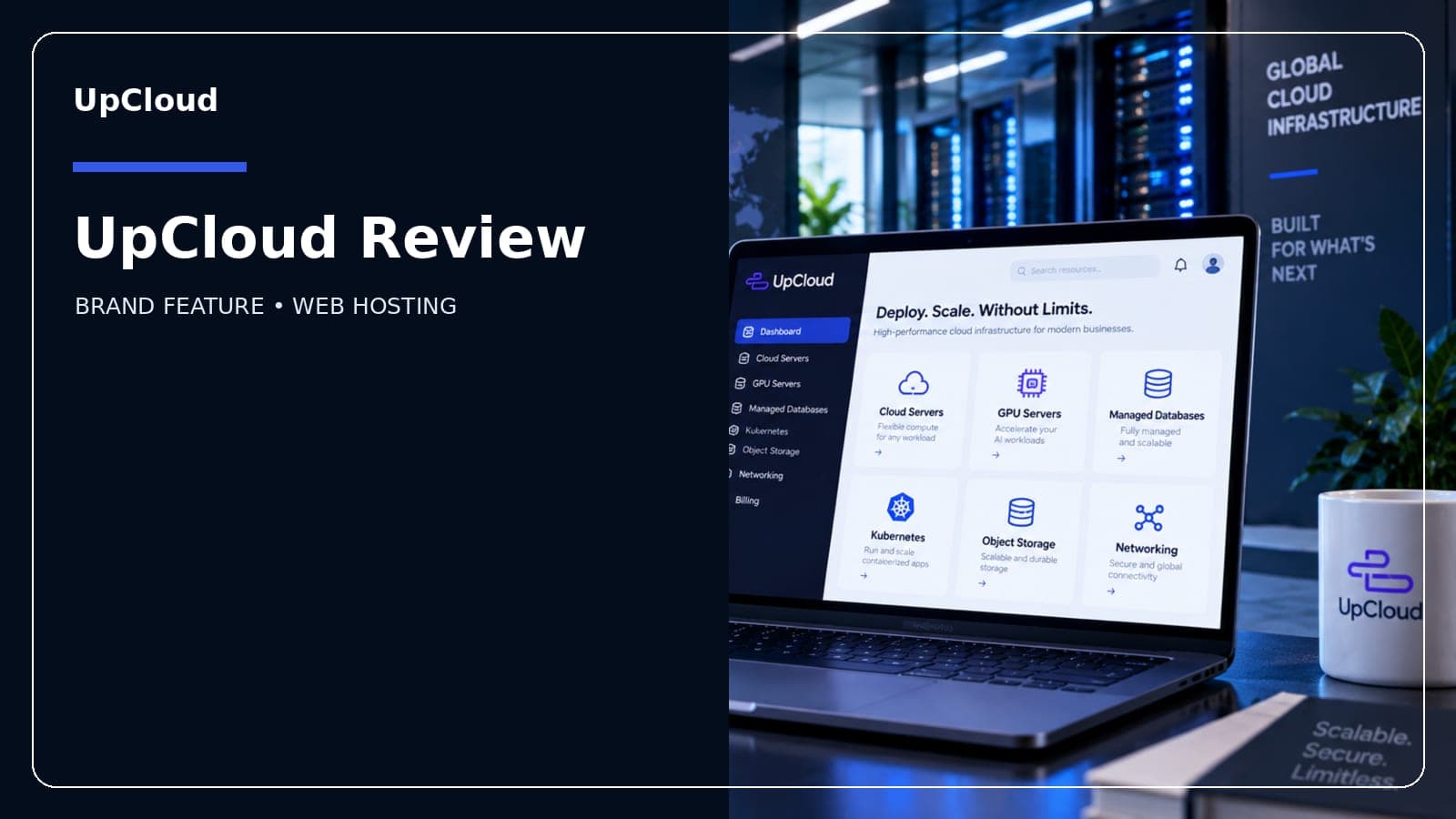
This review is researched from each provider's official pricing, plans and public user feedback — see our editorial process for how we keep it accurate.
Is UpCloud a good choice for hosting?
UpCloud is a solid pick if you're comfortable managing your own server — it's a Finnish cloud VPS provider with genuinely fast MaxIOPS all-flash storage and data centers across Europe, the Americas and Asia-Pacific, but there's no bundled control panel, so it suits developers more than beginners wanting one-click WordPress.
At a glance
| Starting price | $5/month (Developer, 1 vCPU / 1GB RAM / 25GB MaxIOPS) |
| Billing model | Hourly, capped at the monthly rate |
| Control panel | None bundled — web console, API, CLI, Terraform |
| Trial | Free trial period on signup (check current terms) |
| Best for | Developers, self-managed apps, agencies needing fast disk I/O |
What UpCloud actually is
UpCloud is a cloud infrastructure company based in Helsinki, Finland. It sells cloud servers (VPS instances), managed databases, object storage and Kubernetes — the kind of building blocks a developer assembles into a stack, not a pre-packaged "website hosting" product. There's no cPanel, no hPanel, no one-click app installer bolted on by default. You spin up a server, then configure it yourself through UpCloud's web console, its CLI, the official API, or a Terraform provider if you're managing infrastructure as code.
That positioning matters for anyone comparing it to a typical shared-hosting company. If you want to upload a WordPress theme and be done in ten minutes, UpCloud is the wrong tool. If you're deploying a Node app, running a database cluster, or self-hosting something that needs predictable, fast disk performance, it's built for exactly that.
Pricing
Pricing was accurate as of this post's publish date and can change — always confirm current rates on UpCloud's own pricing page before buying.
| Plan | vCPU | RAM | Storage | Price |
|---|---|---|---|---|
| Developer | 1 | 1GB | 25GB MaxIOPS | $5/month |
| Starter (budget line) | 1-4 | 1-16GB | Standard SSD | from ~€3/month |
| Higher cloud server tiers | scales up | scales up | MaxIOPS | scales with resources |
The $5/month Developer plan is UpCloud's entry point into its flagship MaxIOPS storage tier — the all-flash, clustered storage architecture the company markets around ~100,000 read IOPS, several times what a typical budget-VPS SSD delivers. A separate, cheaper Starter line exists at around €3/month, but it runs on standard SSD storage and older-generation CPUs rather than MaxIOPS, so the storage-speed pitch UpCloud is known for specifically applies to the MaxIOPS tier, not the absolute lowest price on the site.
Real cost breakdown
UpCloud doesn't use the "cheap intro price that jumps at renewal" model common among shared hosts. Instead, billing is hourly and usage-based, capped at the advertised monthly rate — so a server you spin up for a few days of testing costs a fraction of the monthly price, and a server left running all month costs no more than the number on the pricing page. There's no long prepaid term required to unlock the listed price, and no separate renewal-rate shock to budget around. That said, extras like additional storage, backups, extra IP addresses, managed databases and higher bandwidth tiers are billed separately on top of the base server price, so a real production setup usually costs more than the bare $5/month headline figure.
Which plan should you choose
Choose the Developer plan ($5/month, 1 vCPU/1GB RAM) if you're testing UpCloud, running a small personal project, or hosting a lightweight app or API that doesn't need much memory.
Choose a mid-tier cloud server (2-4 vCPU, 4-8GB RAM) if you're running a production app, a database-backed site, or anything where MaxIOPS's disk-throughput advantage actually shows up under real traffic.
Choose the Starter line only if MaxIOPS performance isn't a priority and you just want the lowest possible entry price on standard SSD storage — otherwise the Developer plan is the more representative "real UpCloud" starting point.
Pros and cons
| Pros | Cons |
|---|---|
| MaxIOPS all-flash storage with strong measured read performance | No bundled control panel — self-managed only |
| Hourly billing capped at the monthly rate, no long prepaid lock-in | Not beginner-friendly for simple website hosting |
| Wide data center footprint across Europe, Americas and APAC | Trustpilot reviews are polarized — some report support friction |
| Modern API, CLI and Terraform support for infrastructure-as-code workflows | Add-ons (backups, extra storage, bandwidth) priced separately |
Support
UpCloud offers support through a ticketing system and documentation/knowledge base covering server setup, networking and the API. Response depth tends to favor technical, infrastructure-level questions rather than beginner "how do I install WordPress" hand-holding — consistent with its developer-first positioning. Community reviews are mixed: UpCloud's own averages show a fairly polarized split between very satisfied and very dissatisfied customers, so it's worth reading recent reviews for your specific use case (e.g. billing disputes vs. technical support quality) before committing a production workload.
Migration
Moving an existing site or app to UpCloud is a manual process — there's no automated one-click migration tool bundled in for shared-hosting-style sites. In practice this means provisioning a new cloud server, installing your stack (web server, database, runtime) yourself or via a template/Terraform script, then migrating data and DNS over once it's verified working. UpCloud does support standard tooling — SSH access, snapshots, and API-driven provisioning — that make scripted migrations straightforward for anyone comfortable with server administration, but it's not a drag-and-drop transfer for non-technical users.
Where it's a strong fit
UpCloud makes sense for developers and small teams who want raw cloud server performance without paying enterprise cloud pricing, for workloads that are genuinely disk-I/O sensitive (databases, search indexes, high-write applications), and for anyone who wants hourly billing instead of committing to a long prepaid hosting term.
Where to think twice
If you want a beginner-friendly experience with a graphical control panel, one-click app installs, or bundled email hosting, UpCloud isn't built for that — you'll be doing the server administration yourself. The mixed Trustpilot record is also worth weighing if you're risk-averse about support responsiveness.
Verdict
UpCloud earns its reputation as a fast, developer-oriented cloud VPS provider — MaxIOPS storage is a real, verifiable performance advantage at the $5/month entry tier, and hourly billing removes the renewal-shock problem that plagues budget shared hosting. It's not for everyone: skip it if you want a managed, beginner-friendly hosting panel, but if you're comfortable configuring your own stack and want fast storage without a long-term commitment, it's a reasonable pick worth comparing against other developer-focused VPS providers.
FAQs
Does UpCloud include a control panel?
No. UpCloud doesn't bundle cPanel, hPanel or any similar dashboard by default — server management happens through UpCloud's own web console, CLI, API or Terraform provider. You install and manage your own software stack.
How much does UpCloud cost to start?
The entry-level Developer cloud server starts at $5/month for 1 vCPU, 1GB RAM and 25GB of MaxIOPS storage. A cheaper Starter line exists from around €3/month but runs on standard SSD rather than MaxIOPS.
Is UpCloud billed monthly or hourly?
Both — pricing is calculated hourly and capped at the monthly rate, so you only pay for the time a server actually runs, up to the listed monthly maximum.
What is MaxIOPS?
MaxIOPS is UpCloud's proprietary all-flash, clustered storage technology, marketed around roughly 100,000 read IOPS — meaningfully faster than standard cloud SSD storage on many competing budget VPS platforms.
Does UpCloud offer a free trial?
Yes, new accounts can typically try UpCloud through a free trial period before paying — check the current trial length and any credit amount on UpCloud's signup page, since trial terms are adjusted from time to time.
Where are UpCloud's data centers located?
UpCloud operates data centers across Europe (including Helsinki, Amsterdam, Frankfurt, London, Stockholm, Copenhagen, Madrid, Warsaw and Stavanger), the Americas (Chicago, New York, San Jose) and Asia-Pacific (Singapore, Sydney).
Is UpCloud good for beginners?
Not particularly. UpCloud is aimed at developers and technical users who are comfortable configuring a server themselves. Beginners wanting a simple, panel-driven website host will likely find a shared-hosting provider with a bundled control panel easier to start with.
How is UpCloud rated on Trustpilot?
UpCloud holds a 3.0-out-of-5 average on Trustpilot from around 169 reviews, with a notably polarized split between very positive and very negative reviews rather than a broad middle ground.
Check current pricing and any active offers on the UpCloud coupon page, or browse more Web hosting deals.