Shared Subscriptions Explained: GamsGo & Group Plans Guide
Shared subscriptions in one sentence
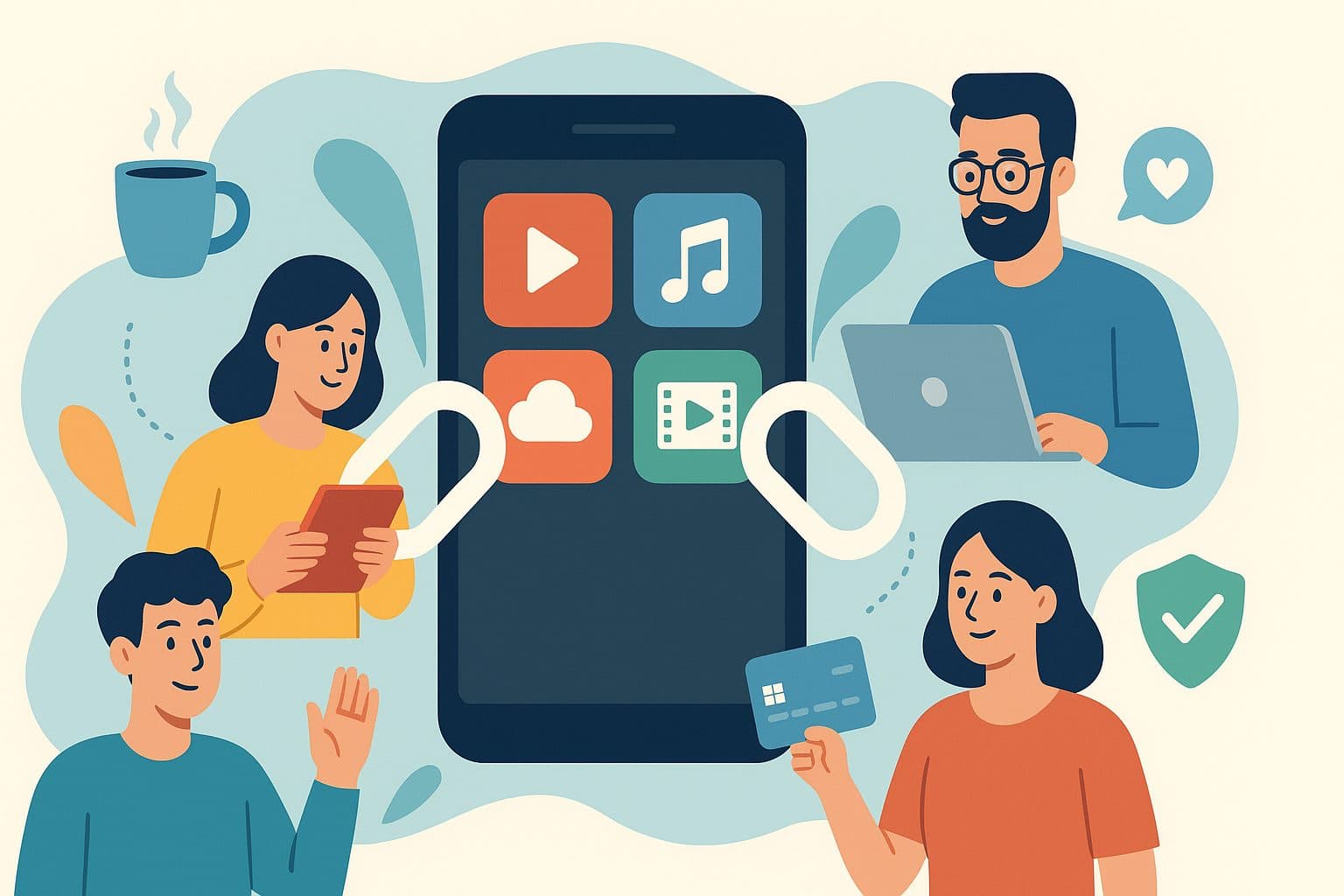
Shared-subscription platforms like GamsGo put several strangers on one premium plan (Netflix, Spotify, ChatGPT Plus, Disney+ and so on) and split the cost, so each person pays a fraction of the retail price. This guide covers what GamsGo is, how group plans work, whether sharing is legal, where to get the official app, and how GamsGo compares with similar services. For our verdict on GamsGo itself, read the full GamsGo review.
What is GamsGo (and what it isn't)
GamsGo is an online marketplace for shared seats on premium subscriptions. It has operated since 2018 and lists 200+ services across streaming, music, AI tools, productivity software and gaming. You pay GamsGo, and it gives you a seat or profile on a plan it manages.
People often ask about "the purpose of GamsGo in software development". It has none. GamsGo is not a programming tool, framework or developer platform, and it has no SDK or API. The confusion probably comes from it selling access to AI assistants developers use, such as ChatGPT Plus and Claude. For a developer, it is only a cheaper way to reach those tools.
How group plans for digital services work
Most big subscription services sell a multi-user tier alongside the single plan:
| Service | Multi-user plan | Who it's meant for |
|---|---|---|
| Spotify | Duo / Family | People at the same address |
| YouTube Premium | Family | One household |
| Netflix | Standard / Premium (+ paid extra members in many regions) | One household |
| Apple One | Family | An Apple Family Sharing group of up to six |
| Disney+ | Standard / Premium (+ paid sharing in many regions) | One household |
A family plan costs more than a single plan but far less than one plan per person, so a seat on a shared plan can cost a fraction of a solo subscription.
Official sharing means sharing with the people the plan was designed for, such as your partner, kids or housemates. That is within the rules.
Marketplace sharing is what GamsGo and similar platforms do: they fill those seats with unrelated buyers who don't live together. The platform handles the plan owner and billing and assigns you a profile or login. You get real premium features, but on a plan licensed for someone else's household.
The typical buying flow
- Create an account on the platform's official website.
- Pick a service and a term (often 1, 3 or 6 months), then pay the platform.
- Receive login details or an invite in your dashboard, usually within minutes to a few hours.
- Use only your assigned profile. Never change the password, email or plan.
- If access breaks, contact the platform, not Netflix, Spotify or OpenAI.
Is it legal to use services that pool subscriptions?
For an individual buyer in most countries, using a pooled subscription is a breach of the service's terms of service, not a criminal offence. Rules like Netflix's household policy or Spotify Family's same-address requirement are contract terms, so the main risk is the provider suspending the account rather than legal action against you.
That said:
- Laws differ by country. The platform operators carry much more legal risk than buyers. This is general information, not legal advice.
- Providers are enforcing harder. Netflix rolled out paid-sharing rules worldwide from 2023 and Disney+ followed, so cross-household seats are more likely to be cut off.
- Consumer protection is weaker. If a seat is shut down, your only recourse is the marketplace's own refund terms.
In short, it's a gray area that rarely causes legal trouble for one user but does carry a real risk of losing access.
Where to download the official GamsGo app
GamsGo is used mainly through its official website, [gamsgo.com](https://www.gamsgo.com), which works in any desktop or mobile browser. Purchases, login details and support tickets all live in your account dashboard.
Avoid "GamsGo APK" downloads on third-party sites, which are a common way to spread malware or steal logins. Only follow app links published on gamsgo.com, install only from the Google Play Store or Apple App Store, and never enter your password on a site that isn't gamsgo.com. You don't need a GamsGo app to watch anything: you use the normal Netflix, Spotify or ChatGPT app with the login GamsGo provides.
Who provides support for GamsGo users?
Support comes from GamsGo itself, through live chat and tickets on its website. No other company provides official GamsGo support, so be wary of anyone on social media offering help in exchange for your login. Netflix, Spotify and OpenAI won't help with a marketplace seat, because you aren't the account holder.
Independent reviews describe GamsGo's support as quick for routine issues, but slower on deactivated seats and refunds, where store credit is often offered first.
Other platforms for sharing premium streaming accounts
Alternatives work in one of two ways:
- Seat resellers (like GamsGo) manage the plans and sell you a seat directly.
- Matching platforms connect a plan owner with people who want to join and handle payments between them. Together Price, Sharesub and Spliiit are well-known examples in Europe.
How GamsGo compares with similar platforms
| Factor | GamsGo (reseller) | Matching platforms | Official family plan |
|---|---|---|---|
| Who owns the plan | The platform | Another user | You or a family member |
| Setup speed | Fast, often instant | Depends on finding a group | Instant |
| Catalog | 200+ services incl. AI tools | Mainly streaming and music | One service per plan |
| Within provider terms | Usually not | Usually not | Yes, if same household |
| Risk of losing access | Medium | Medium | Very low |
GamsGo's edge is its catalog, especially AI subscriptions that matching platforms rarely cover, and how fast you get a seat. Neither type is as safe as an official family plan with people you live with.
Reviews of shared account services: what users report
- Positive: real savings, fast delivery, and many users run for months without problems. When we wrote our review, GamsGo had a 3.8/5 Trustpilot score from about 19,000 reviews, which suggests a long-running business rather than a scam.
- Negative: seats stop working when providers tighten sharing rules, other members change profiles, and refunds can take several rounds of messages.
- Worth knowing: prices and availability change often, so read reviews from the last 1–3 months rather than the overall star score.
A beginner's tutorial for using GamsGo safely
There are no formal GamsGo courses, and you don't need one. Its help center covers account questions, and this checklist covers the rest:
- Start small with a 1-month seat, even though longer terms are cheaper per month.
- Use a separate email that you don't use for banking or work.
- Pay with buyer protection, such as a credit card or PayPal.
- Stick to your own profile and leave the account settings alone.
- Keep your order number and screenshots in case you need support.
- Set a renewal reminder a few days before your term ends.
- Check current [GamsGo coupons](/coupons/gamsgo) before paying.
Other legitimate ways to save on entertainment subscriptions
- Rotate services: subscribe to one streamer at a time, then cancel and move on.
- Pay annually for the one or two services you use all year.
- Use ad-supported tiers, now offered by most major streamers.
- Choose bundles like Apple One or carrier packages.
- Share an official family plan with the people you live with.
- Claim student discounts on Spotify, YouTube Premium and others.
- Audit subscriptions every few months and cancel anything unused.
Browse our entertainment deals and software deals for more savings.
Frequently asked questions
Is GamsGo a software development tool?
No. It's a marketplace for shared subscription seats, though it sells access to AI tools developers use.
Can I get banned for using a shared streaming account?
The provider can suspend the account, which ends your access. Action against you personally is rare because you aren't the account holder.
Do I need a VPN to use a shared seat?
Usually not. Some seats are region-specific, so check the listing. Using a VPN to dodge household checks can make deactivation more likely.
What's the cheapest fully legitimate option?
An official family or duo plan split within your household, or an ad-supported tier, combined with rotating services.
Bottom line
Group plans are one of the best ways to save on streaming, and sharing within your household carries no risk. Marketplaces like GamsGo push the savings further by filling seats with strangers, at the cost of terms-of-service and continuity risk. Use them for non-essential entertainment, start with short terms, and stick to the official website. Before buying, check our GamsGo review and the latest GamsGo coupons.